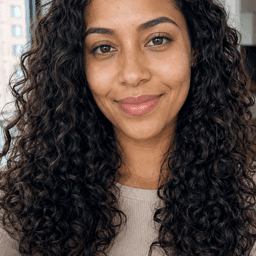
FREE PHOTO EDITING
Photo filters, lighting, crop, adjustments and enhancements.
YOUR SELFIE. YOUR STYLE.
Edit photos, try new looks, change your hair, explore fun characters, and transform your background with SelfieShift.
No subscription needed to get started.
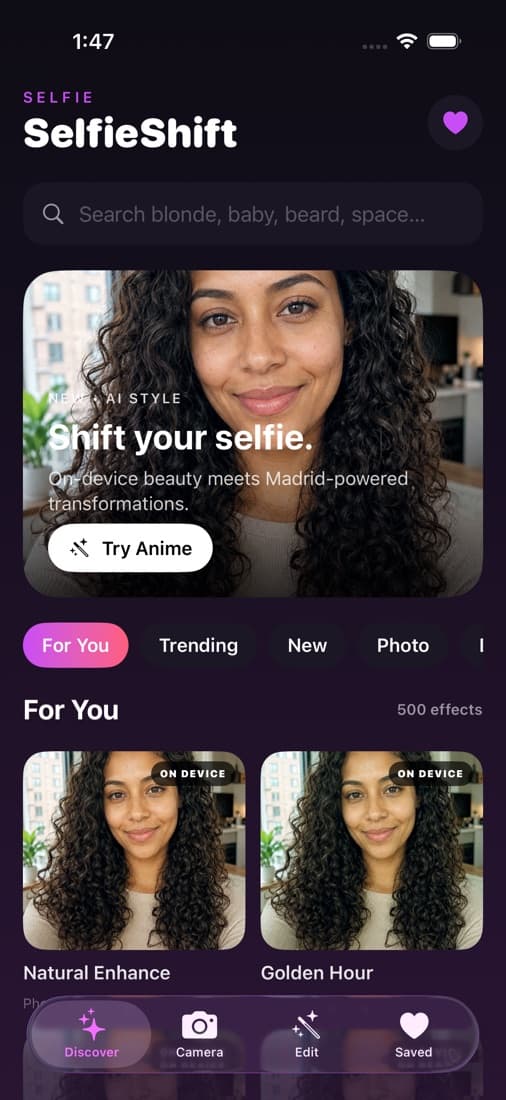
BUILT FOR MOBILE
Discover, edit, compare and save in one fast experience designed around your selfie.
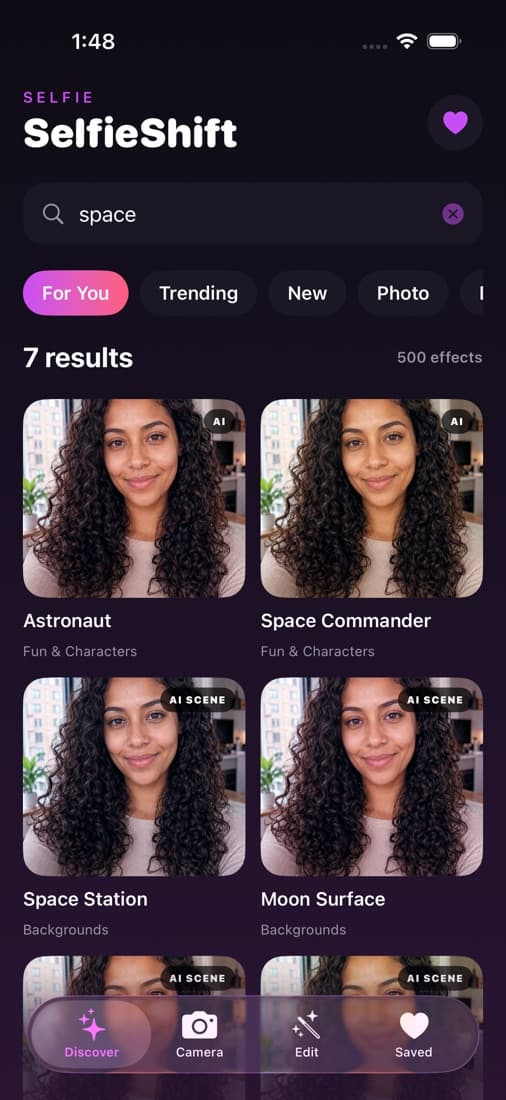
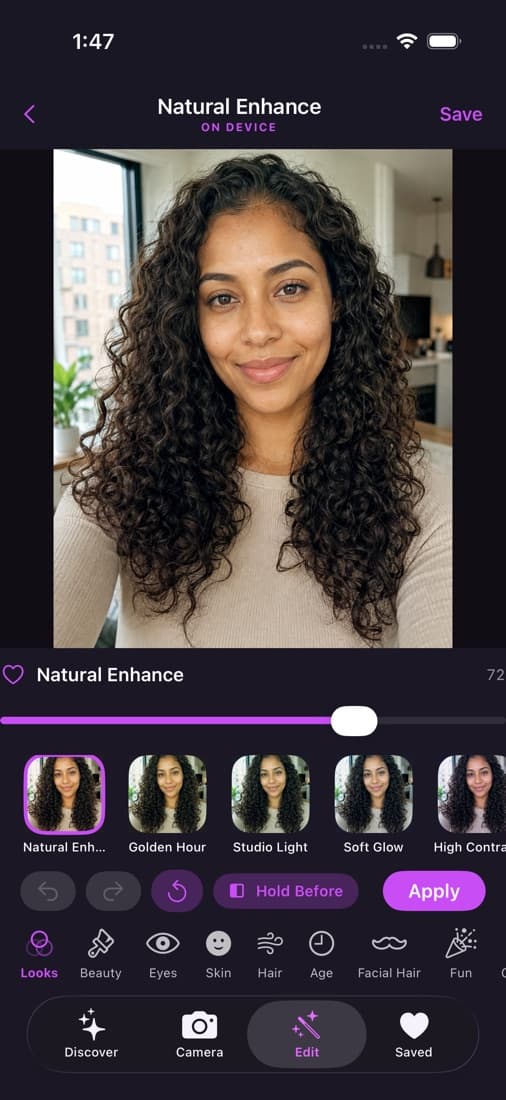
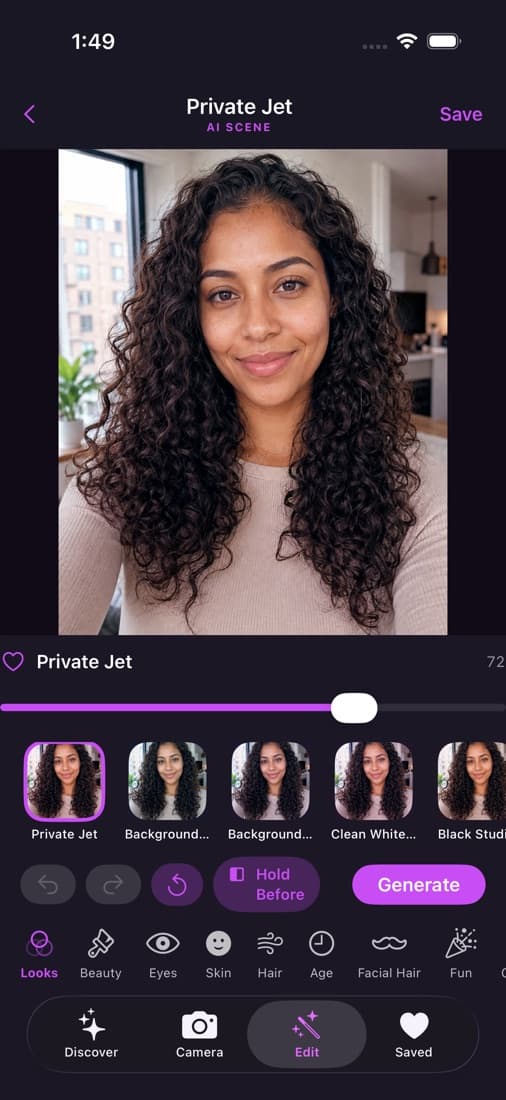
EVERYTHING STARTS FREE
Download the app and keep using the full collection of local editing tools for free.
Photo filters, lighting, crop, adjustments and enhancements.
Makeup, eyes, skin and supported local effects.
Blur, remove and supported local background effects.
Create an account and try five transformations before buying tickets.
THE FULL LIBRARY
From subtle refinements to entirely new worlds.
Golden Hour · Cinematic · Vintage
Natural Makeup · Full Glam · Soft Blush
Emerald · Hazel · Galaxy
Smooth Skin · Freckles · Fresh Face
Long Waves · Pixie Cut · Copper
Older Look · Stubble · Viking Beard
Anime · Watercolor · Cyberpunk
Miami · Private Jet · Galaxy
BEYOND FILTERS
Want more than a color filter? SelfieShift AI can transform hairstyles, age, characters, artwork and entire environments while keeping your photo recognizable.
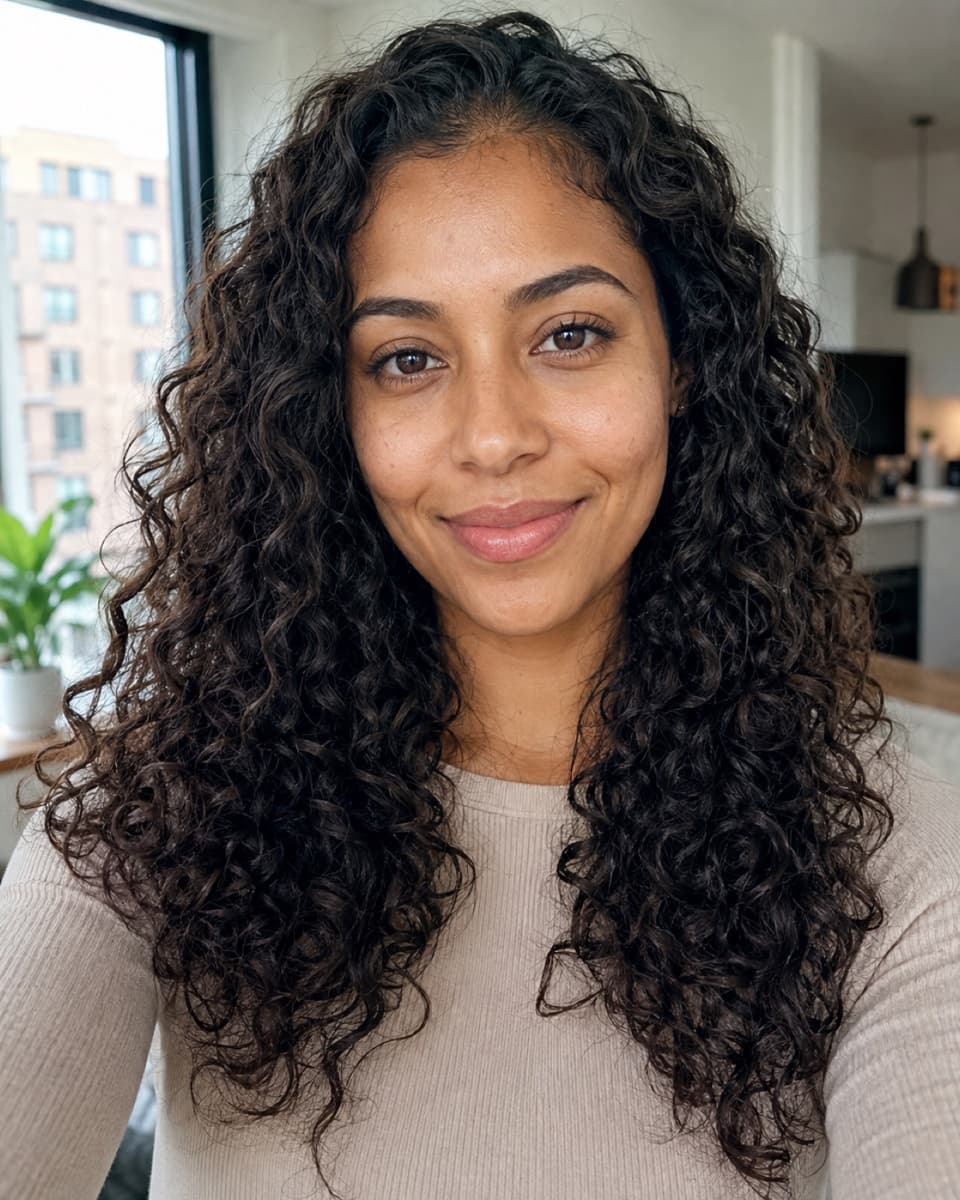
CHANGE THE SCENE
Remove your old background and place yourself somewhere completely new.
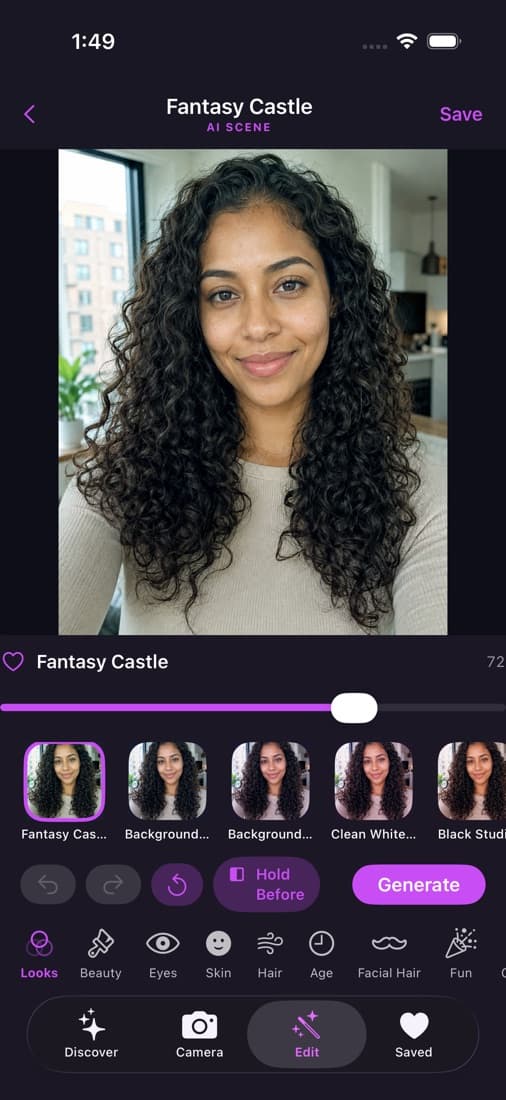
DRAG TO COMPARE
Compare the original and the result. Use the control with mouse, touch or keyboard.
THAT EASY
Take a selfie or pick one from your library.
Try anything from subtle beauty edits to wild AI transformations.
Save your new look or share it with friends.
TRULY FREE. PRO WHEN YOU WANT IT.
Every local tool stays free. Pro unlocks all AI-powered effects.
tickets
tickets
tickets
tickets
TRY AI FREE
No credit card required to try them. An edit counts only when you receive a usable result.
PRIVACY BY DESIGN
Local filters stay on your phone. A photo is sent only when you choose an AI feature. SelfieShift does not perform face recognition or create biometric identity profiles.
Location metadata should be stripped before AI processing. Temporary images are cleaned according to the service retention policy.
Read the Privacy PolicyQUESTIONS, ANSWERED
Yes. The app and all local editing features are free.
Your first five successful AI edits are free.
You can keep using every free and local feature. Additional completed AI generations use non-expiring tickets.
Ticket packs start at 25 tickets for $3.99 USD or S/15 in Peru.
No. Purchased and promotional tickets remain in your SelfieShift account until you use them.
Buy on this website with Stripe, on iPhone with Apple, or on Android with Google Play.
A completed AI-powered transformation that produces a usable image.
No. Failed, canceled, rejected, or unusable generations do not consume an edit.
No. Local filters stay on your device. A photo is uploaded only when a selected AI or server feature requires it.
Yes. The app and website support English and Spanish.
YOUR SELFIE. YOUR STYLE.
Download SelfieShift free. Your first 5 AI edits are included.